Browse Old Instagram and TikTok Photos Without Setting Off an Accidental Like
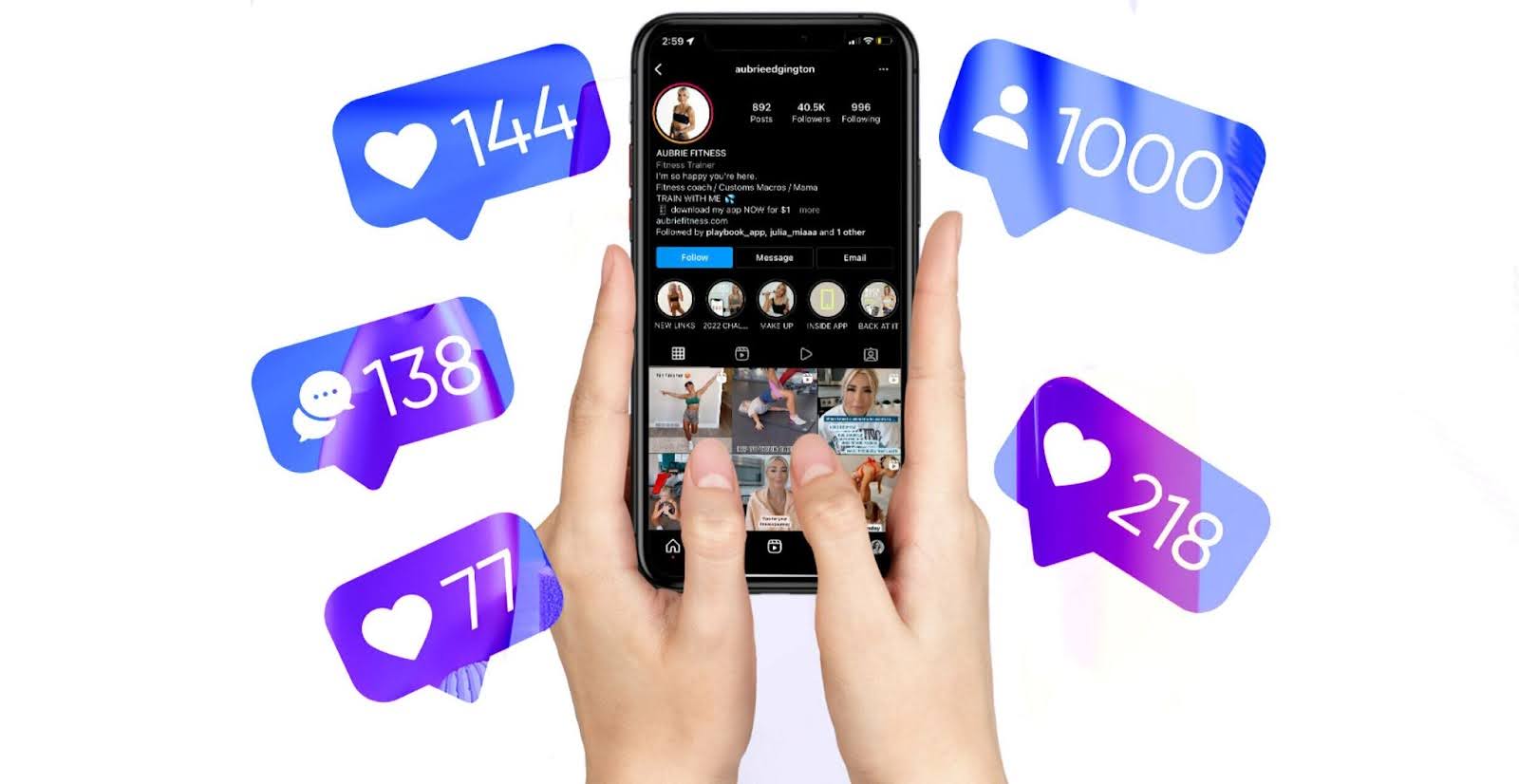
Everyone has lived this moment: you are scrolling someone's profile out of curiosity (or pure boredom), and then it strikes. Your thumb slips and you accidentally like a photo from three years ago. Hello panic, racing heart, and instant regret.
But what if you could feed that curiosity without risking the awkward "oops, I just liked your ancient photo" fallout? The good news is that a handful of simple habits can let you look through pictures without triggering a like. Here is how to browse profiles like a seasoned stealth-scroller.
There Is No Official "Like Lock"
Sadly, platforms like Instagram and TikTok do not include a setting that disables likes while you scroll. There is no official "browse-only" mode, so every photo you open is one double-tap away from firing a notification. Luckily, there are smart workarounds that keep you safe from accidental double-taps.
1. Keep Your Phone and Fingers Dry
Ever noticed how temperamental your phone gets the moment it is wet?
Why It Matters:
Moisture on the screen or on your fingertips can throw a touchscreen completely off. Your phone might scroll randomly or even register taps you never made. Picture your phone liking a photo all by itself while you are innocently swiping.
What to Do:
- Make sure your hands are bone-dry before you start scrolling.
- Skip the risky environments, like the bathroom or your morning coffee session.
- Wipe the screen with a soft cloth if it is smudged or damp.
Cutting out moisture helps you dodge the "phantom touch" taps that are among the sneakiest sources of unwanted likes.
2. Scroll on the Opposite Side of the Like Button
Every app parks its like button in a slightly different spot:
- On Instagram, it sits on the left.
- On TikTok, it lives on the right.
Why It Matters:
If you scroll right over the like button, a single misfire can give the game away. Knowing where the button sits in each app is the first step to keeping your fingers nowhere near it.
What to Do:
- Scroll on the opposite side of the screen so your taps never land near the button.
- It might feel awkward at first, but the small adjustment is well worth staying discreet.
- Bonus Tip: Try two-finger scrolling to keep your thumbs clear of the danger zone.
3. Slow Down: Flicking Is a Trap
Flicking through a profile at warp speed feels efficient, but it dramatically raises your odds of a stray like.
Why It Matters:
Sloppy swipes turn into accidental double-taps pretty easily, especially when you are moving quickly through old photos and your finger clips the screen twice in a row.
What to Do:
- Scroll slowly and with intention.
- Use smooth, controlled motions as you move through the profile.
- Rest your finger flat on the screen rather than tapping as you go.
Being deliberate helps you dodge the dreaded accidental tap while still scratching the curiosity itch. A slower pace also means you actually enjoy what you are looking at.
4. Flip On Airplane Mode for Total Safety
If the fear of a stray like still haunts you, there is a near-foolproof trick:
Why It Works:
Airplane Mode cuts your phone off from the internet. Even if you accidentally tap the heart, the action never registers because there is no connection to send it anywhere.
How to Do It:
- Flip on Airplane Mode from your phone's settings or quick menu.
- Browse to your heart's content.
- When you are done, fully close the app before turning Airplane Mode off.
That way, no stray likes slip through to the other person's notifications. One small caveat: only photos already loaded will be visible offline, so open the profile and let it load before you switch Airplane Mode on.
What If You Accidentally Like a Photo Anyway?
Uh oh, it happened. Now what? First, breathe. Here is how to handle it like a seasoned pro:
- Unlike It Right Away: If you catch it fast, just unlike the post. Most platforms fire notifications immediately, but a quick reaction gives you a shot at the person missing it entirely.
- Switch Your Profile Details (Optional and Mildly Hilarious): Some creative types swear by this one:
- Temporarily switch your username and profile picture.
- The notification still fires, but they will not connect it back to you.
- After 24 hours, revert everything to your usual look.
- Own It and Move On: If the notification is clearly in their court, your easiest move is often to laugh it off. Odds are the other person finds it funny too, or never even notices.
Bonus Tips for Smoother Scrolling
- Avoid Late-Night Scrolling: Sleepy swiping leads to clumsy fingers. Don't let drowsiness blow your cover.
- Try Desktop Mode: Browsing on a computer gives you more control. With no touchscreen in play, accidental likes drop to almost zero.
- Stay in the Recent Posts: If you want to be ultra safe, do not plunge too deep into someone's old content. Less scrolling, less risk.
- Rest Your Phone Flat: Setting your phone on a table rather than juggling it in one hand reduces slips and fumbles.
Why Accidental Likes Are Not the End of the World
Zoom out and liking someone's old photo is more amusing than embarrassing. Social media is full of these little mishaps, and most people get it. So try not to spiral.
In fact, plenty of people enjoy getting likes, even on their older posts. A like is a tiny form of social proof that signals the content was appreciated. If you are on the other side of the equation and want more of them on your own posts, Boostme.cfd lets you buy Instagram likes or TikTok likes to give your content a confident head start.
FAQs About Scrolling Without Accidental Likes
Q: Is there a setting that disables likes while I browse?
A: No. Instagram and TikTok do not ship with a "like lock" or browse-only mode, which is exactly why habits like slow scrolling and Airplane Mode come in handy.
Q: If I unlike the photo immediately, will the person still find out?
A: Possibly. Most platforms push notifications instantly, so they might still see it. Unliking as fast as you can gives you the best shot at them missing it.
Q: Does Airplane Mode really prevent accidental likes?
A: Yes. With no internet connection, a tap on the like button has nowhere to go. Just remember to fully close the app before turning Airplane Mode off.
Q: Is browsing on a computer safer?
A: Generally yes. Without a touchscreen there is no risk of a stray double-tap, so desktop browsing gives you a lot more control.
Armed with these tips, you can scroll through profiles with confidence and maybe even enjoy the quiet thrill of being a stealthy browser. Happy scrolling.